User Interface
Introduction
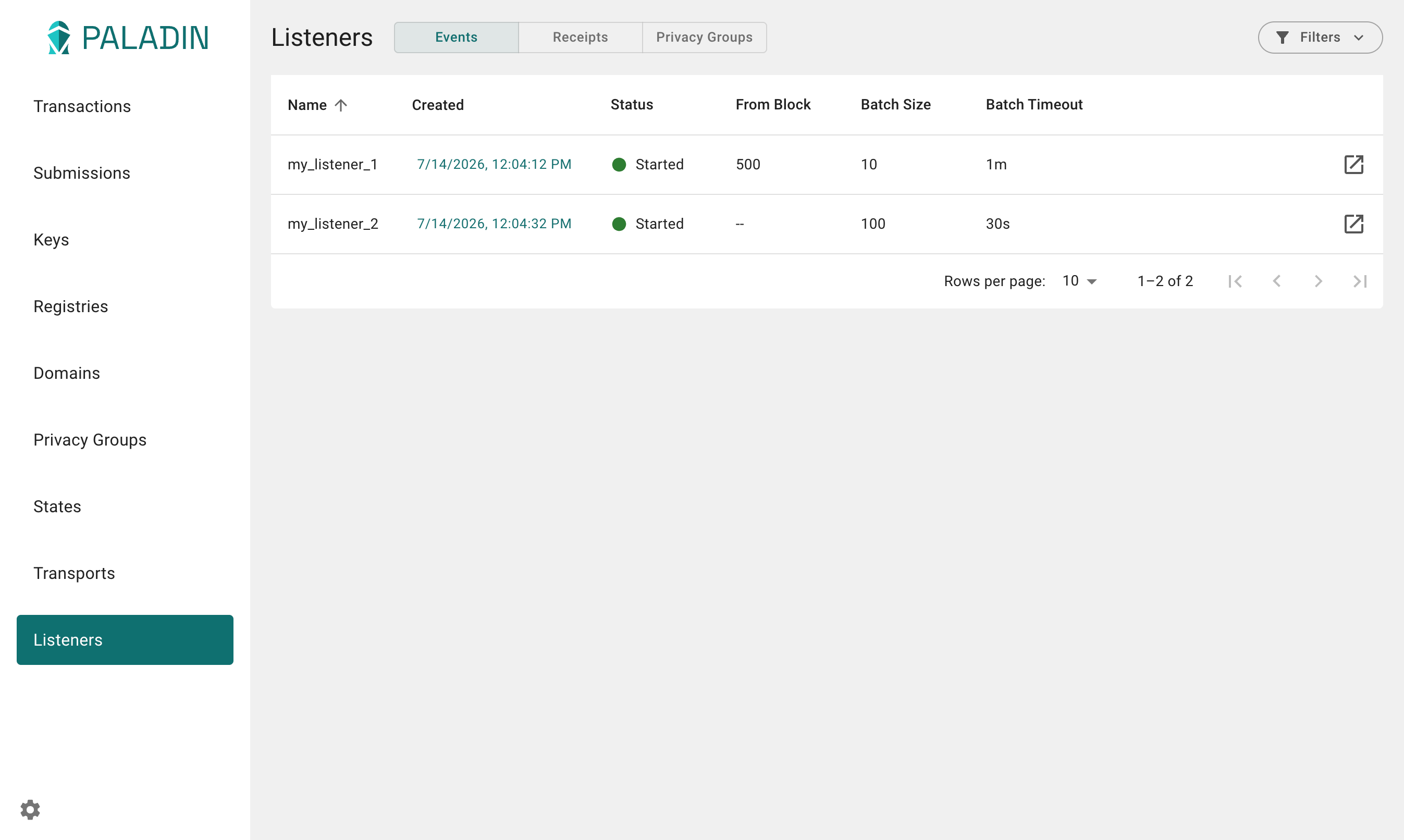
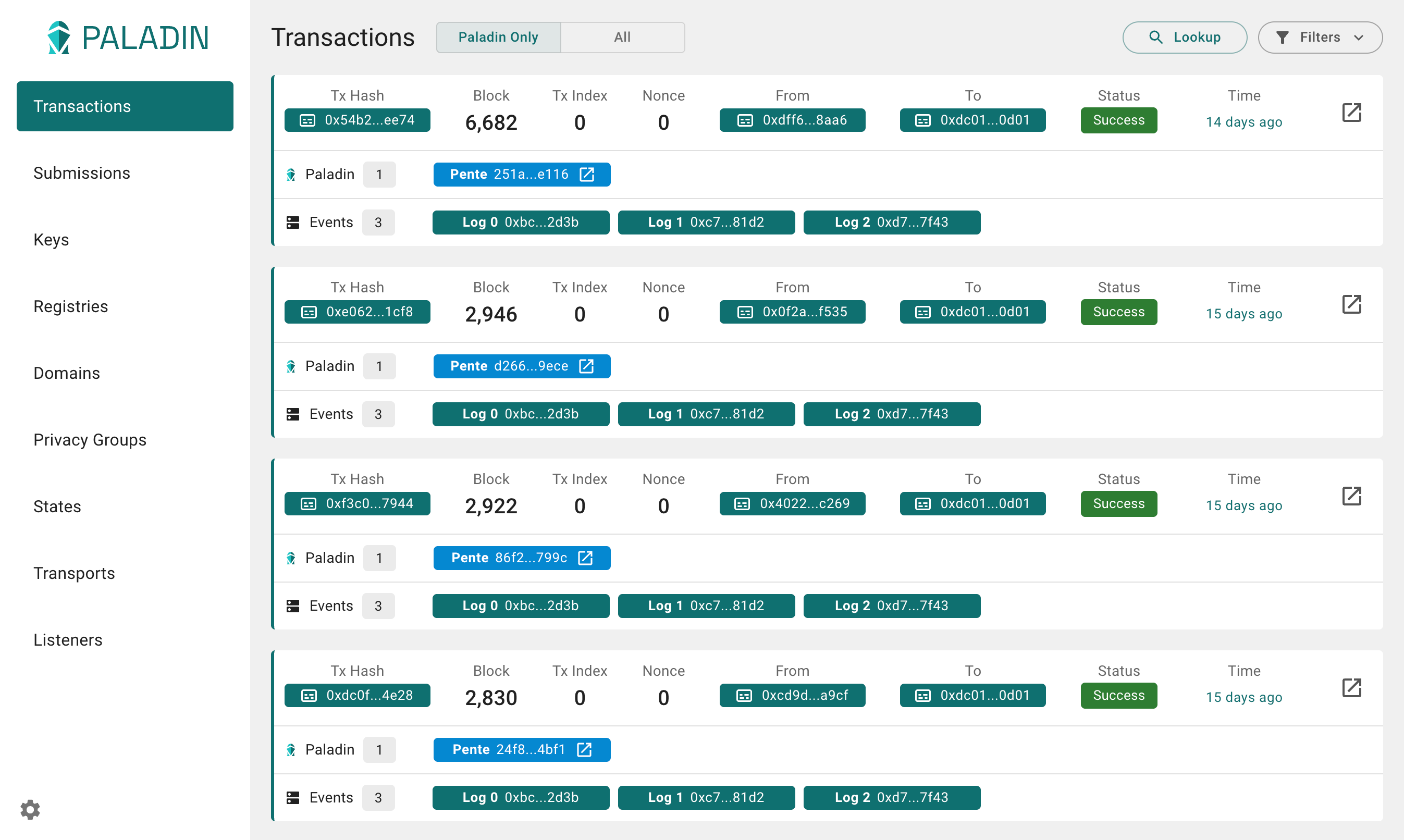
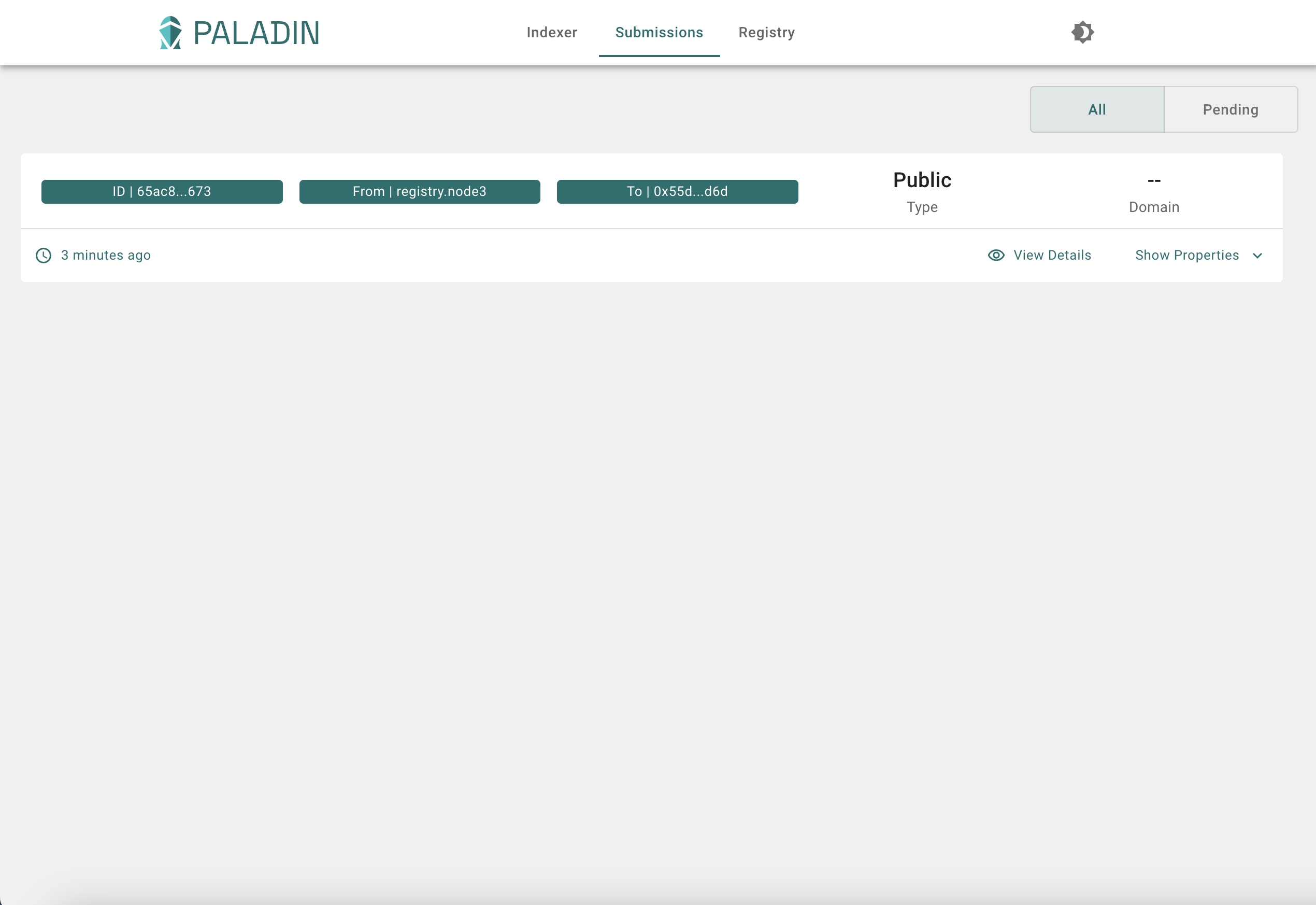
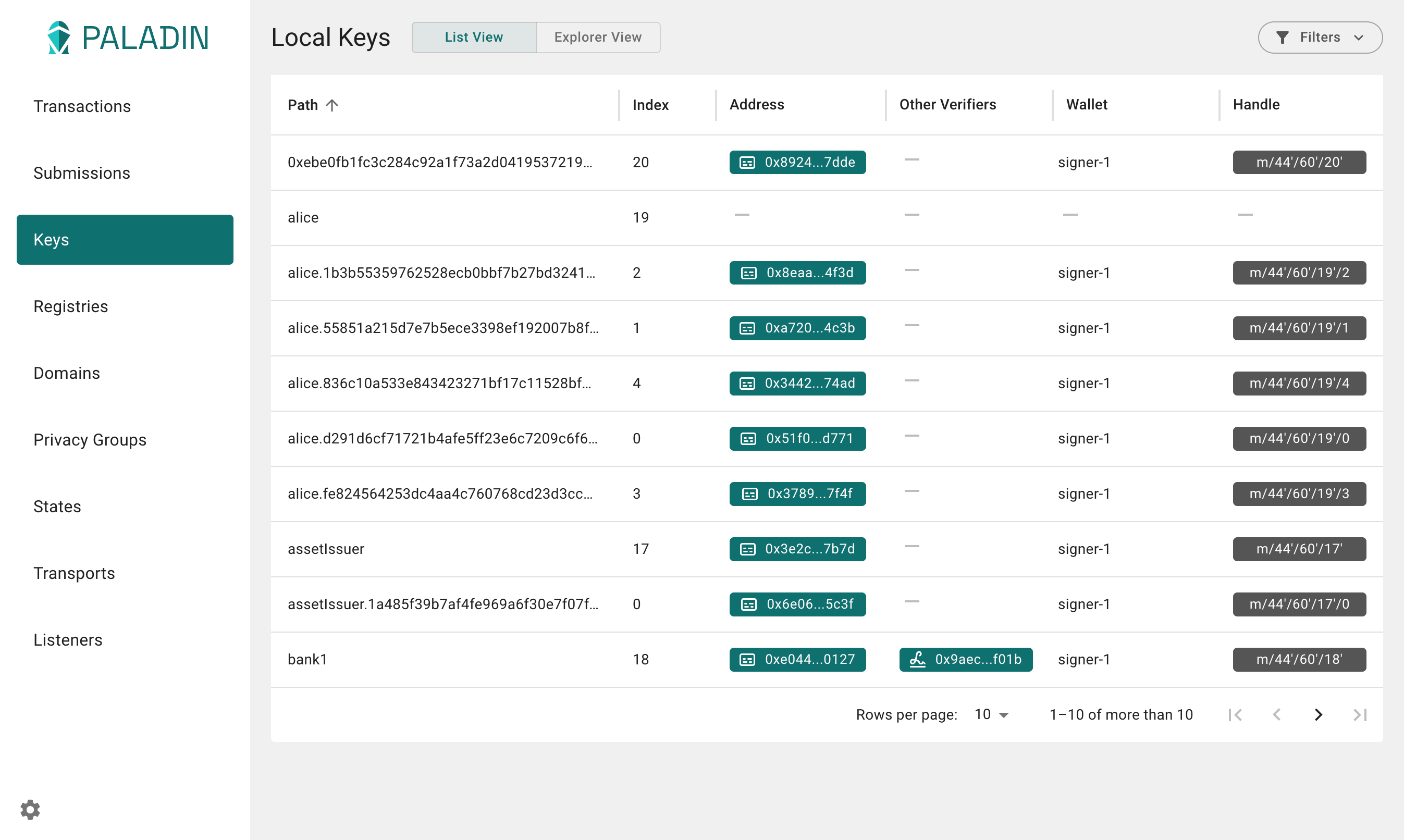
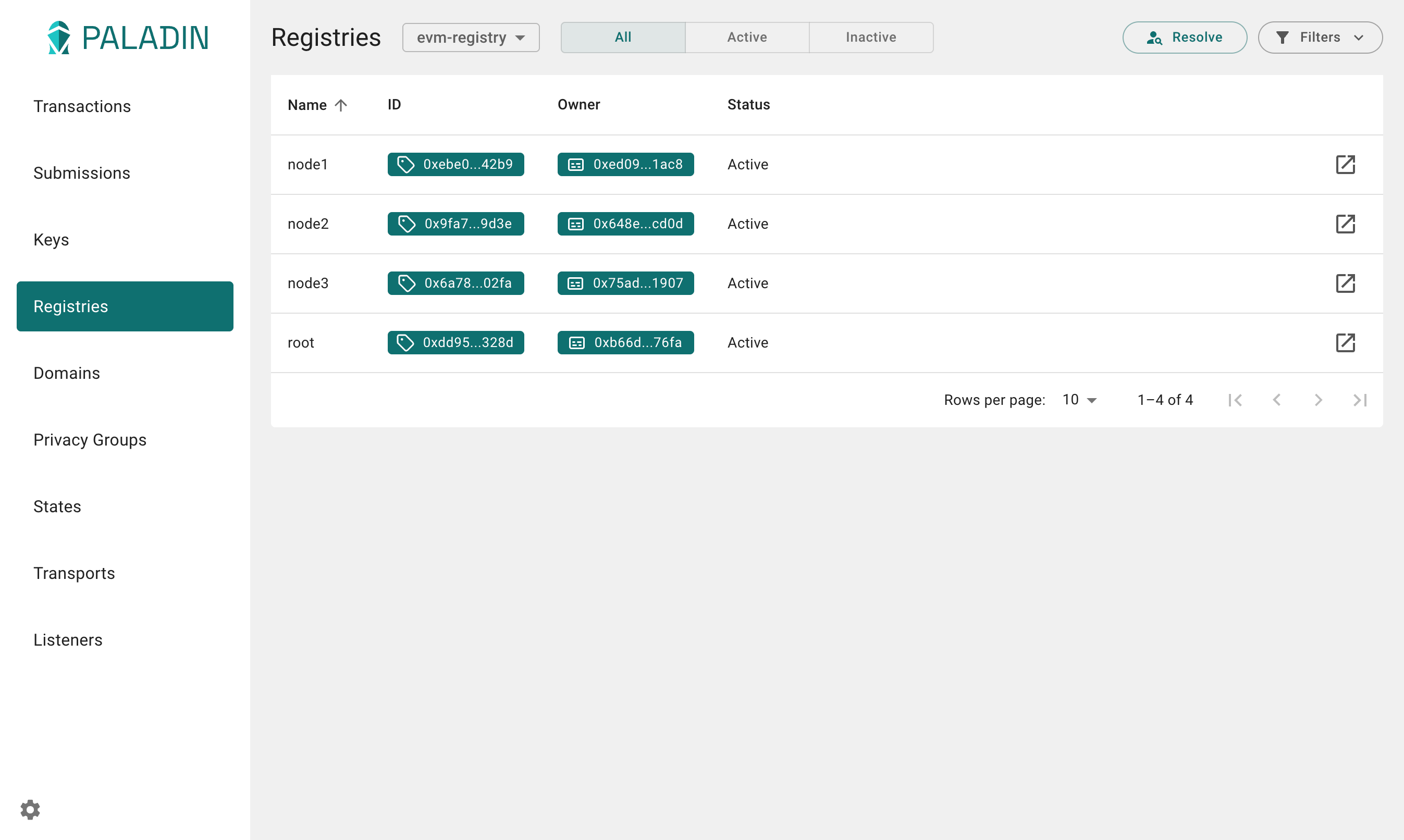
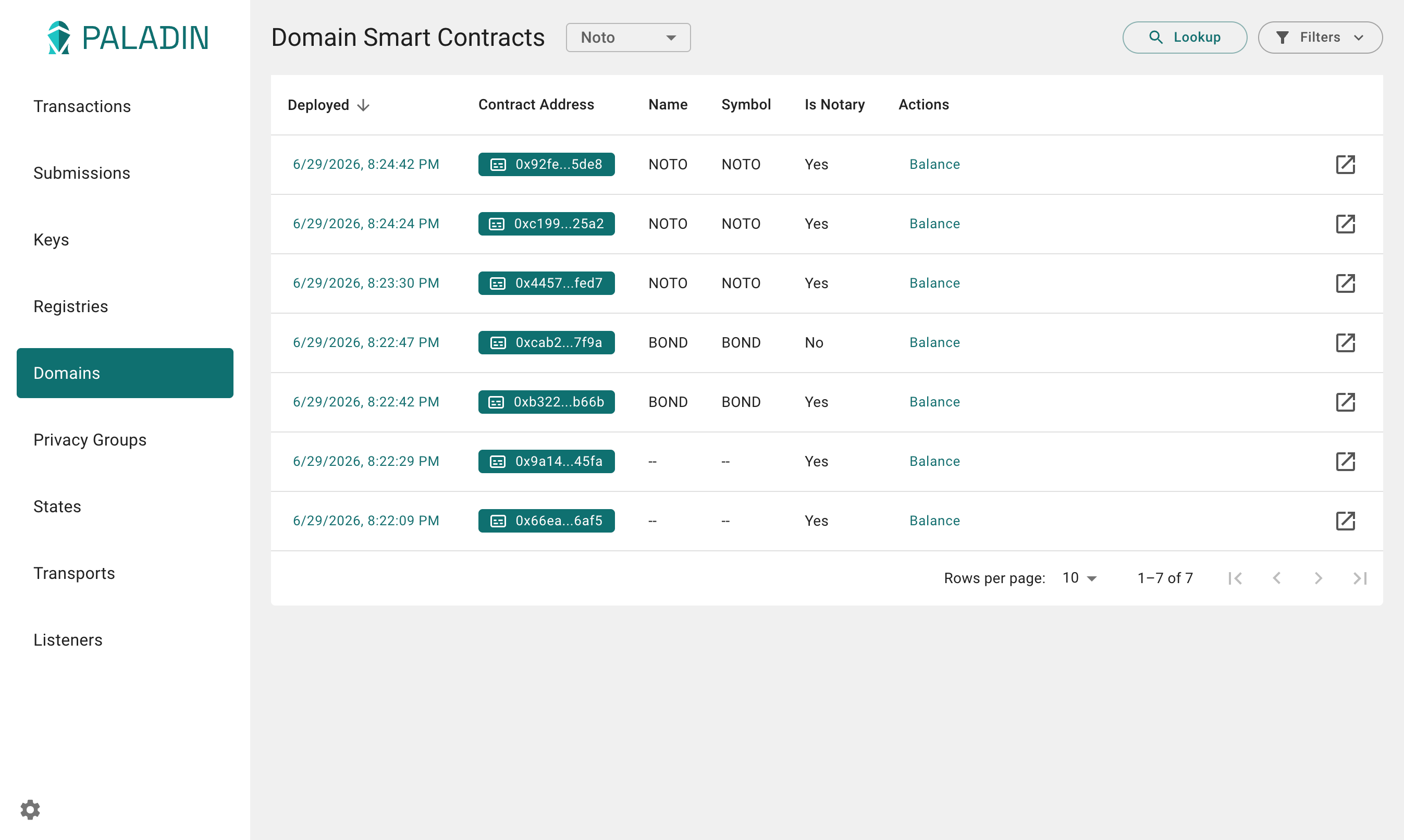
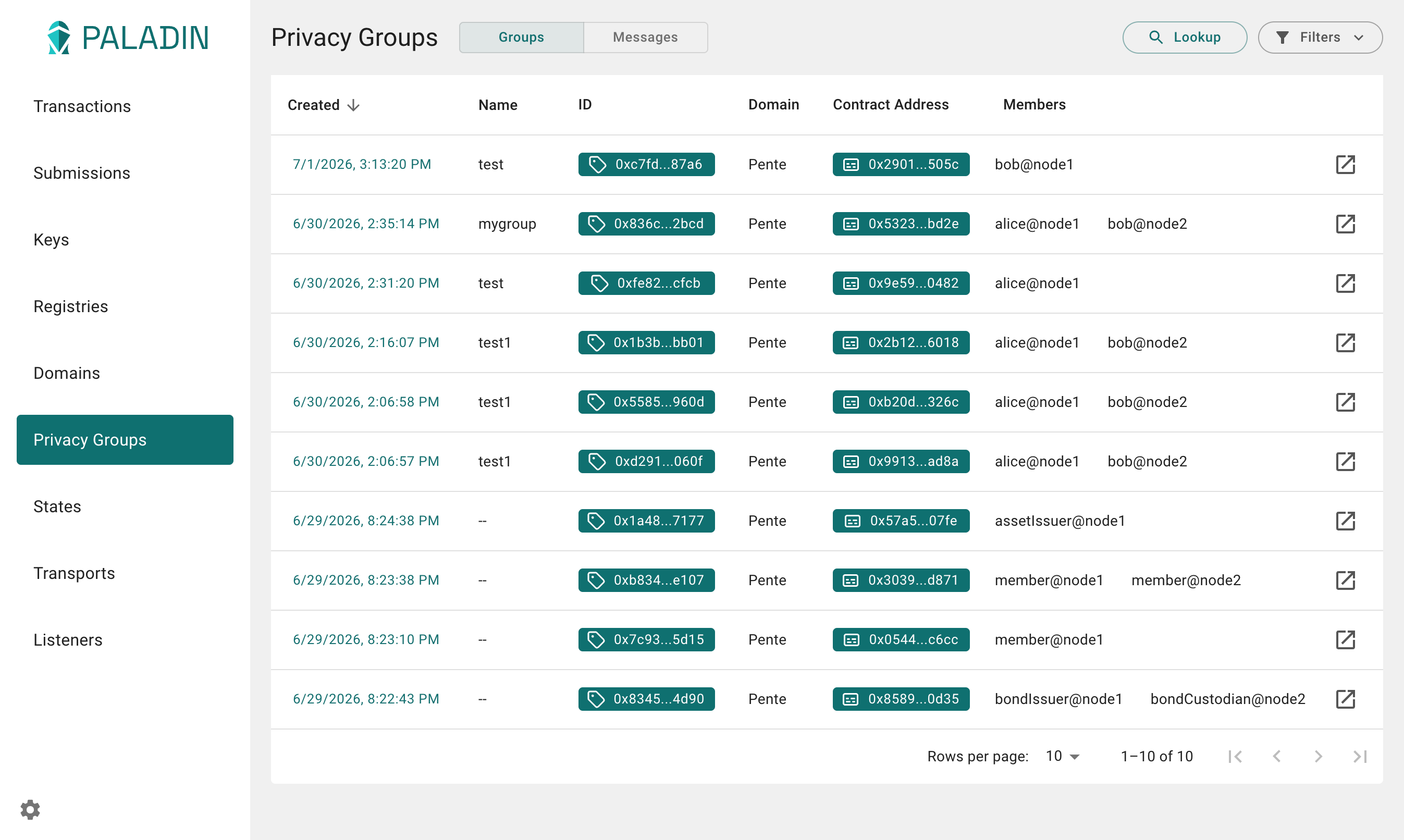
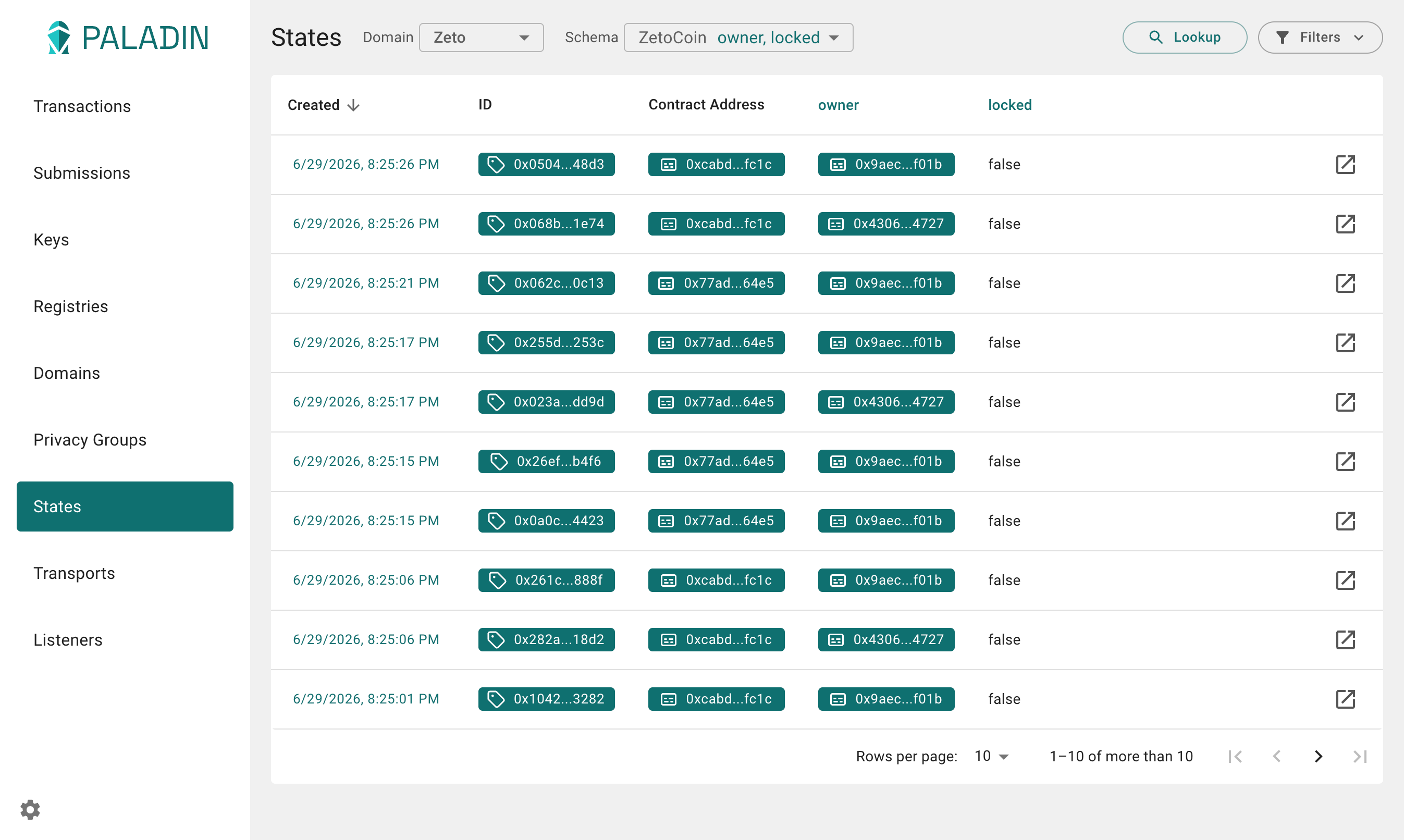
The graphical user interface makes it easy to visualize activity in Paladin nodes. Panels cover transactions, submissions, keys, registries, domains, privacy groups, states, transports, and listeners.
The UI supports read-only and edit modes (available from Settings). Read-only is the default and is a convenience for exploration. Switch to edit mode when you need to create or modify resources through the UI.
Accessing the UI
Each Paladin node runs an instance of the Paladin UI at the path /ui. If you used the provided kind config
(or a similar port mapping) with devnet, you should be able to access the UI for each node:
Interacting with the UI
Transactions
Submissions
Keys
Registries
Domains
Privacy Groups
States
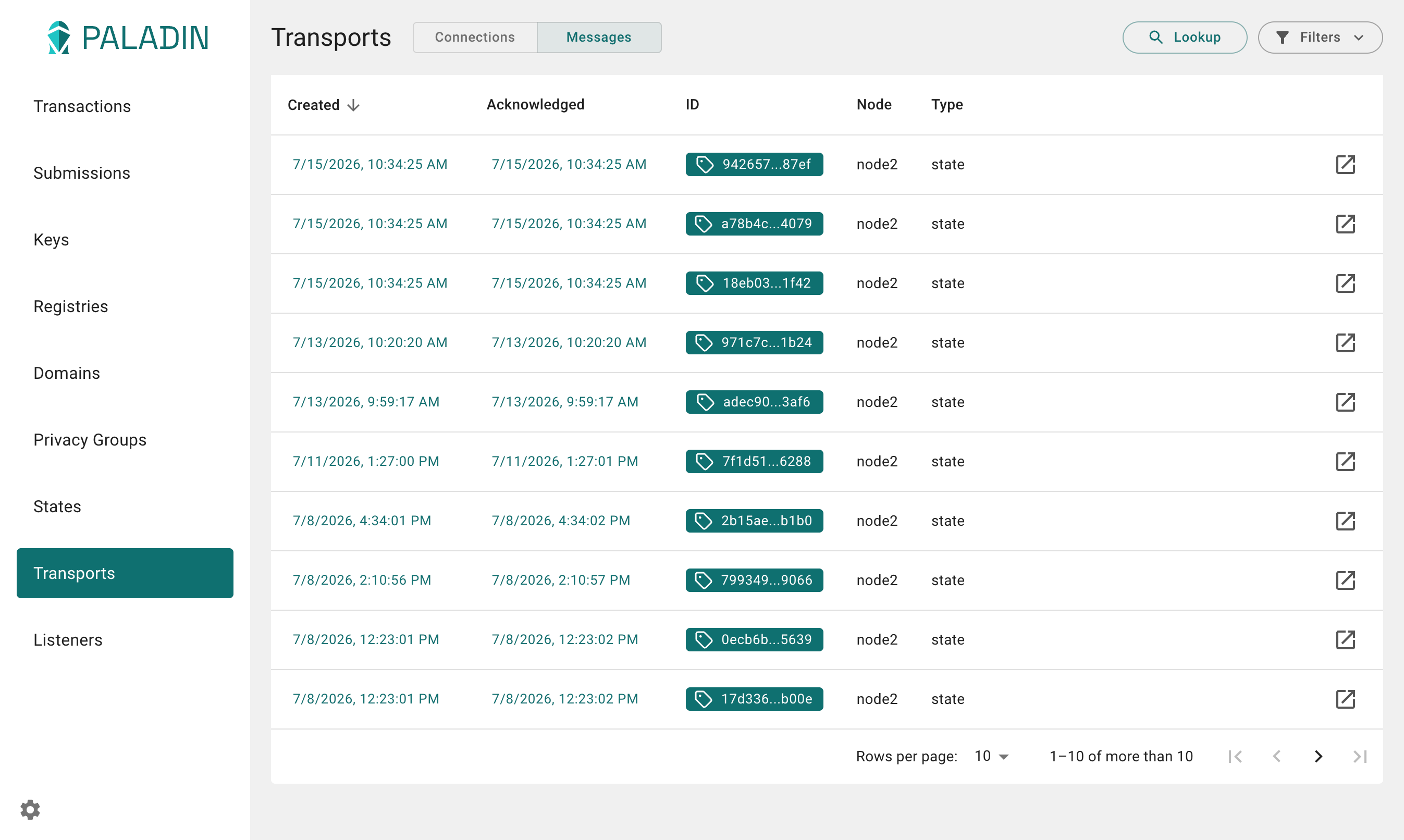
Transports
Listeners